
Features
Everything your bookings need, in one plugin.
From sharing your availability to running a full pipeline of appointments, Availo handles it, so the back-and-forth emails finally stop. One WordPress scheduling plugin for solo consultants and whole teams alike.
Core scheduling · Free
A booking flow people actually finish.
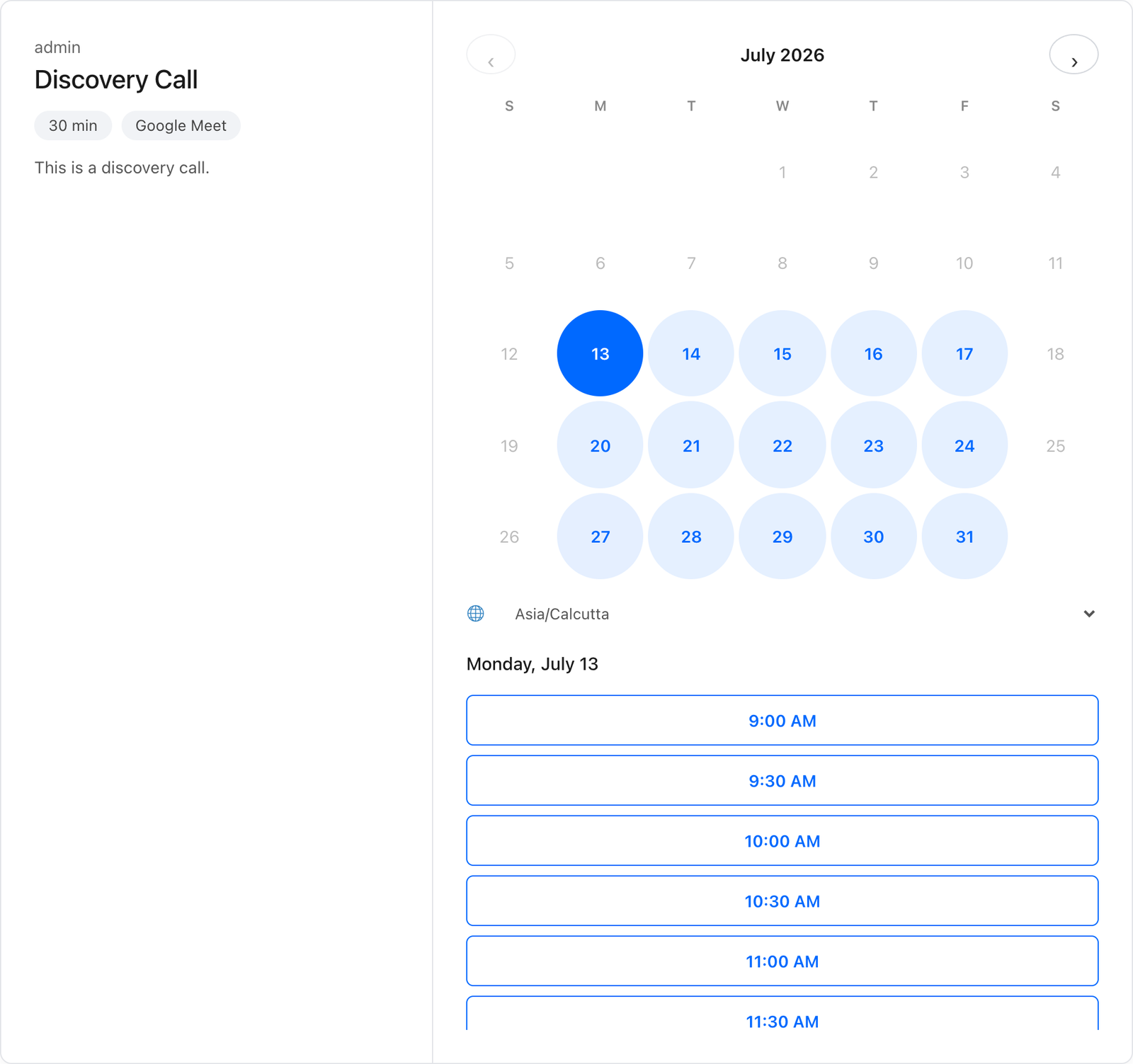
Pick a day, pick a time, fill in a short form, done. It stays fast and readable on every screen, and each slot is locked the instant it's taken, so two people racing for the same time can never both win it.
- Unlimited event types: each with its own duration, location, questions and rules.
- Smart availability: weekly hours, date overrides, buffers, minimum notice and daily caps.
- Timezone & DST perfect: visitors book in their own zone; all math runs in UTC.
- No double-bookings, ever: per-host locking at the moment of booking.
Calendar, notifications & embedding · Free
Synced, confirmed, reminded, and no-shows gone.
Google Calendar sync & Meet
Two-way Google Calendar sync keeps both calendars in lockstep, and every booking gets a real Google Meet link automatically. Free on every plan.
Calendar invites
Both invitee and host get an email with a proper .ics invite. Cancellations and reschedules update the calendar event automatically.
Reminder emails
Say goodbye to no-shows! Send an automatic reminder before every meeting, and set exactly how many hours ahead you want it to land.
Custom emails & screens
Write your own confirmation email with merge tags per event type. After booking, show a custom message or redirect to any page.
Block, shortcode, popup or page
Use the Availo block, a shortcode, a popup button, or the automatic booking page at a clean URL.
Built for page builders
Works inside Elementor, Divi, WPBakery, and Bricks, even in popups, tabs, and content loaded on the fly.
Self-service changes
Invitees reschedule or cancel from a secure link. No accounts, no back-and-forth emails.
Start free
The free version is the real deal.
Download Availo and start taking unlimited bookings today. Upgrade to Pro only when your scheduling grows.